
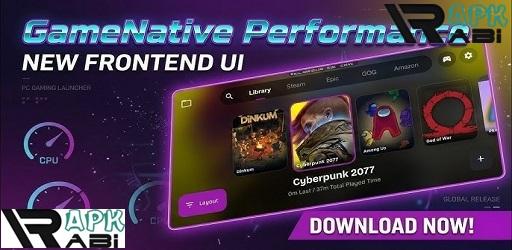

GameNative
APK 0.8.0 Steam GamesLet's build community together and explore the coolest world of APK Games/Apps.
GameNative APK lets you run supported Steam games directly on Android devices without streaming. Explore an experimental open-source way to play PC games locally on mobile.
Information
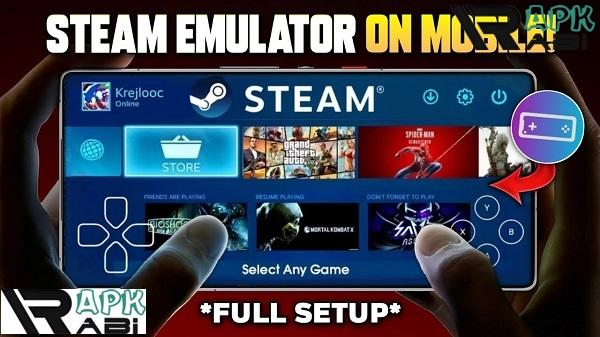
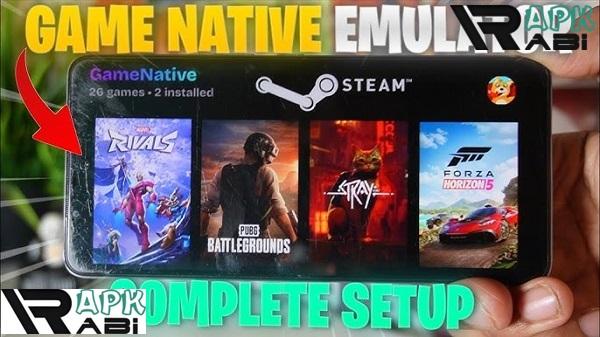
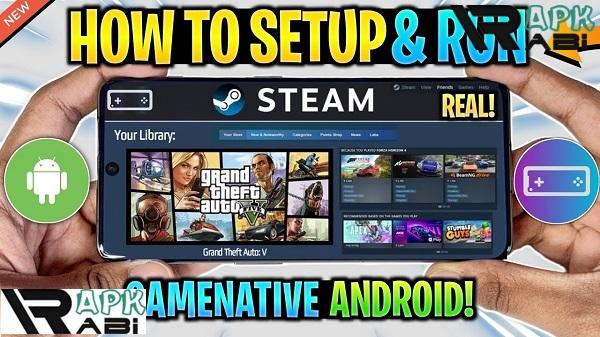
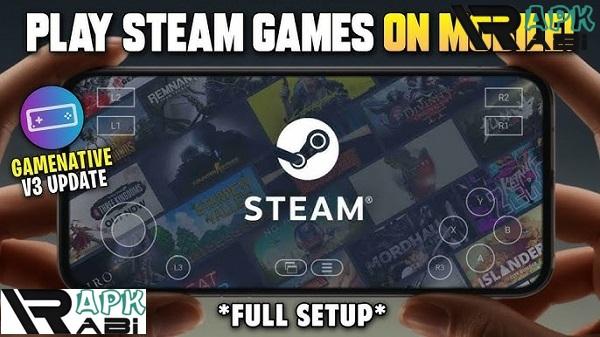
GameNative APK: Play Your Steam Games Directly on Android
Mobile gaming has grown rapidly over the past decade, but many players still prefer the depth and variety of PC titles. GameNative APK is an experimental Android application that attempts to bridge that gap by letting users run certain Steam games directly on their mobile devices. Instead of streaming from a PC or relying on cloud gaming services, GameNative focuses on local execution, meaning the game runs on the phone or tablet itself.
Because of this approach, GameNative has attracted interest from enthusiasts who enjoy testing new technology, experimenting with compatibility layers, and exploring the possibilities of running desktop games on mobile hardware. The project is still evolving, but it offers a fascinating glimpse into how PC gaming might expand beyond traditional platforms.
What is GameNative APK?
GameNative APK is an unofficial Android client designed to allow users to access and play games from their Steam accounts on mobile devices. Unlike streaming services such as Steam Link or cloud gaming platforms, GameNative attempts to run games locally on Android hardware.
The application is based on a previous Android Steam client project that remains in active development. As a result, compatibility varies depending on the game, the device specifications, and the configuration used.
GameNative is not affiliated with Valve. Instead, it is a community-driven open-source project released under the GPL 3.0 license, which means the source code is publicly available and can be modified or improved by developers worldwide.
Advertisement
Because the project is still evolving, users may encounter limitations. Some games may run well, others may require adjustments, and some may not work at all. For technically curious users, this experimentation is part of the appeal.
GameNative APK Latest Version Overview
The GameNative APK Latest Version continues to refine compatibility, performance, and stability. Updates generally focus on improving how Android devices handle PC game assets, input systems, and compatibility layers.
Since the app is open-source, development often happens through community feedback and testing. Users report performance results across different devices and game titles, helping developers optimize the software for future releases.
The result is a constantly evolving application where new updates may improve support for certain games or hardware configurations.
Main Features of GameNative APK for Android
GameNative offers several capabilities designed to bring PC-style gaming experiences to Android. While still experimental, the platform includes a range of useful features.
Local Execution of Steam Games
The most important feature of GameNative Play Steam Games on Android is its ability to run games locally rather than streaming them from a PC.
This means:
-
Games rely on the device’s own CPU and GPU
-
Performance depends on hardware capability
-
Gameplay does not require a constant internet connection
This approach can be useful for players who do not want to depend on network speed or remote streaming quality.
Steam Account Integration
GameNative connects with a user’s existing Steam account, allowing access to the games already owned in the library.
Instead of acting as a separate marketplace, GameNative simply provides a way to launch supported games from your Steam collection on Android devices.
This design ensures that the software only works with legitimately purchased games.
Mouse and Keyboard Support
Some PC games require precise input that touchscreen controls cannot easily replicate. GameNative addresses this by supporting external peripherals, including:
-
USB or Bluetooth keyboards
-
External mice
-
Other compatible input devices
This feature is especially helpful for strategy games, simulation titles, and older PC games originally designed for desktop environments.
Experimental Compatibility System
GameNative relies on compatibility technologies that allow PC software to run on different hardware environments.
Because Android devices differ widely in hardware capabilities, the GameNative Emulator-like compatibility layer helps translate game instructions so they can run on mobile processors.
However, this system is still developing. As a result:
-
Some games may run smoothly
-
Others may require manual configuration
-
Certain titles may not launch at all
Users who enjoy technical experimentation often find this process engaging.
Community-Driven Development
Being open-source means GameNative benefits from collaboration between developers and testers worldwide.
Community forums and project channels often discuss:
-
Performance tweaks
-
Device compatibility reports
-
Bug fixes
-
Feature improvements
This transparency appeals to users who prefer software built through open collaboration rather than closed development models.
Why Users Are Interested in GameNative Android
GameNative stands out because it explores a unique approach to mobile gaming.
Instead of streaming games from a gaming PC or renting access through cloud servers, it attempts to bring desktop games directly to Android hardware.
Advertisement
This idea has several appealing advantages.
Independence From Streaming
Streaming services rely heavily on internet speed and network stability. When connections are slow or unstable, gameplay can suffer from lag or compression artifacts.
GameNative avoids this issue because the game runs locally. Once installed, performance depends mainly on the device itself rather than the network.
Portable Access to Steam Libraries
With GameNative, players can potentially access their Steam libraries on mobile devices without needing a gaming PC nearby.
For travelers or users who spend long periods away from their main setup, this concept offers intriguing possibilities.
Ideal for Technical Enthusiasts
GameNative is not intended to be a simple plug-and-play solution. Instead, it appeals to users who enjoy experimenting with software configurations.
For many enthusiasts, testing compatibility layers and optimizing performance is part of the fun.
Is GameNative Free?
Yes. GameNative APK is completely free to use.
The project is distributed under the GNU General Public License (GPL 3.0), which allows anyone to download, inspect, and modify the source code.
Important points about its pricing model include:
-
No subscription fees
-
No mandatory purchases
-
Optional developer donations only
GameNative does not sell games or offer a storefront. Users must already own games on Steam in order to play them through the application.
Device Compatibility and Requirements
Because GameNative runs games locally, device hardware plays a major role in performance.
Higher-end Android devices generally deliver better results due to stronger processors and graphics capabilities.
Compatibility depends on several factors:
-
Android operating system version
-
CPU and GPU performance
-
RAM capacity
-
Game optimization
Newer flagship smartphones and tablets typically provide the best experience, while lower-end devices may struggle with demanding titles.
Alternatives to GameNative APK
Several other tools attempt to bring PC gaming experiences to mobile devices, although they approach the problem in different ways.
Steam Link
Steam Link is the official streaming solution developed by Valve.
Instead of running games locally, it streams gameplay from a gaming PC to another device. The game still runs on the computer, while the mobile device acts as a display and controller.
Advantages include:
-
Easy setup
-
Broad compatibility
-
Reliable performance on strong networks
However, it requires a PC and a stable internet connection.
Winlator
Winlator is another Android project that allows users to run Windows software on mobile devices.
Unlike GameNative, Winlator focuses on general Windows compatibility rather than Steam integration.
This gives it broader program support, but it often requires more technical configuration to achieve stable performance.
Advanced users sometimes prefer Winlator when experimenting with running various desktop applications on Android.
GameHub
GameHub focuses more on cloud-based game access and launcher functionality.
Instead of running games locally, it connects players with online gaming services that stream content from remote servers.
This approach simplifies the process but removes the flexibility offered by local execution.
Final Thoughts on GameNative APK for Android
GameNative is an ambitious project that explores the possibility of running PC games directly on Android devices. While still experimental, it demonstrates how mobile hardware is becoming powerful enough to attempt tasks that once seemed impossible.
The application is best suited for users who enjoy testing open-source technology, experimenting with compatibility settings, and discovering how far mobile devices can be pushed.
For casual players looking for a simple solution, streaming tools such as Steam Link may be easier to use. But for enthusiasts interested in local execution and community-driven development, GameNative APK for Android offers a unique and evolving platform worth exploring.
Let's build community together and explore the coolest world of APK Games/Apps.






1. This is the safest site on the Internet to download APK. 2. Don't ask about the Play Protect warning, we've explained it well, check here. 3. Do not spam, be polite and careful with your words.